LinkedIn Algorithm Update 2026: What Actually Changed (And What’s Hype)
LinkedIn Algorithm Update 2026: What Actually Changed (And What's Hype)
Read Article
GA4 confuses almost everyone at first. This guide gets you set up and reading useful data without the overwhelm.
In Google Analytics, create a GA4 property and a web data stream for your site. Copy the measurement ID.
Add GA4 via Google Tag Manager (recommended) or directly in your theme. Verify it fires using GA4's real-time report.
Mark the actions that matter — form submissions, audit requests, calls — as key events so you can measure conversions.
Focus on Acquisition (where users come from), Engagement (what they do), and Conversions. Ignore the rest until you need it.
Not sure your tracking is right? A free audit checks exactly that. Related: Google Tag Manager explained.
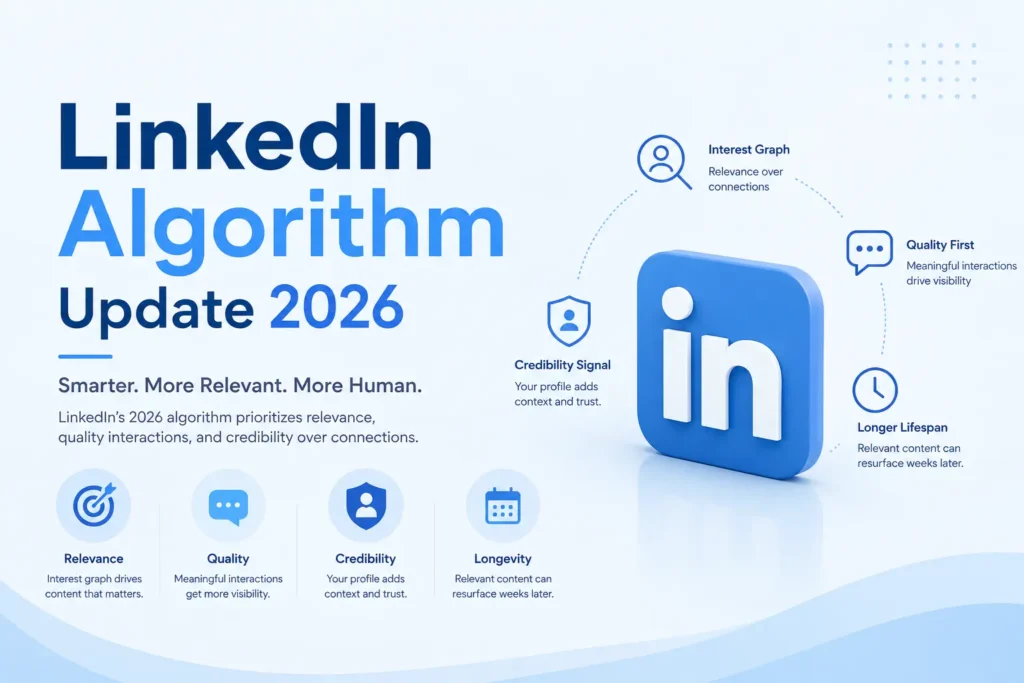
LinkedIn Algorithm Update 2026: What Actually Changed (And What's Hype)
Read Article
Anthropic has temporarily suspended Claude Fable 5 following reported U.S. government concerns around advanced AI capabilities.
Read Article